Note: This feature is available only in Docsvault Enterprise & Ultimate Editions
|
Docsvault Document Preview supports all popular document types (including Word, Excel, PDF, Emails, Graphic & Engineering Drawings, DICOM images) without having any native software installed on the client machine.
Document Preview has many benefits that increase your productivity and efficiency:
•No Installation - Open documents and get a full preview without native software.
•Supports popular document formats.
•Easy content identification - Use graphic previews and highlighted terms from visual searches.
•Easy navigation - Previews major documents and content types.
•Format-specific functionality.
•PDF export - Export supported documents to PDF.
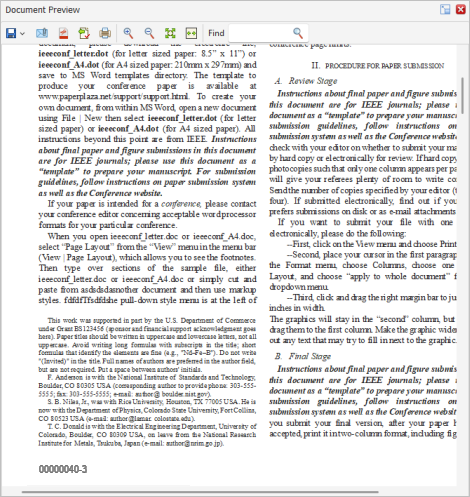 |
You can turn on/off the preview panel in the desktop client from View > Document Preview menu. And in web client, you can turn on/off the preview panel from Options > General.
•Document preview availability depends on the maximum file size limit configured for loading previews. Users can configure their preferences from Tools > Options > General. •By default, Docsvault does not display previews for files exceeding 50 MB. •Document Preview in web application support all the above file format except .dwg and DICOM formats.
|
