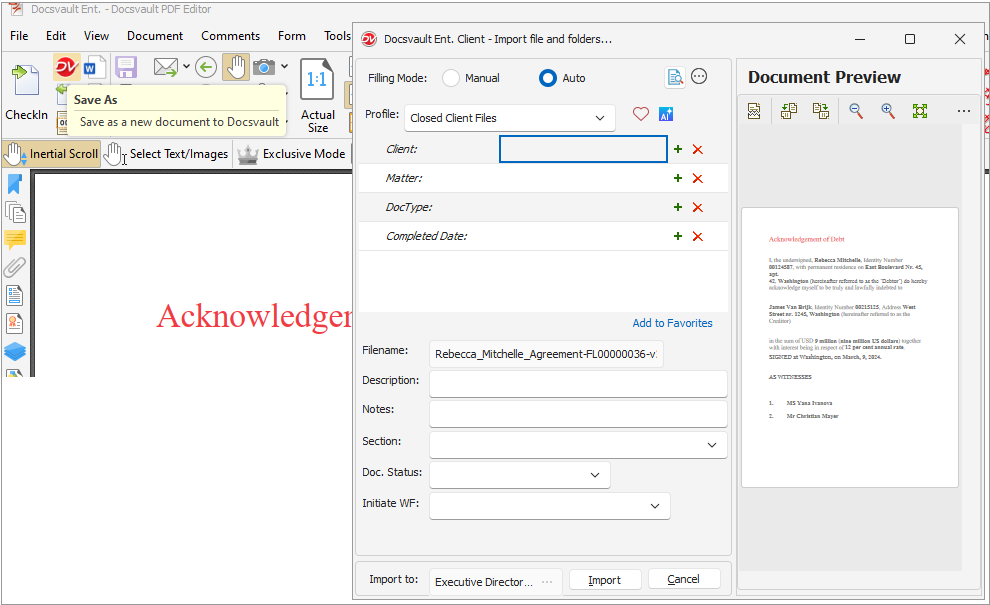
Save as a new document in Docsvault
Use Save As in the Docsvault PDF Editor to save the edited document as a new document in Docsvault.
When you select Save As, Docsvault saves the document with the new filename and includes the changes you made. The original document is closed.