If the Docsvault Microsoft Office Add-in is enabled, you can also create a document from a Document Template directly from Microsoft Office.
To create a document from a template in Microsoft Office
Create a new document using an existing Document Template.
•Open Microsoft Office.
•On the Docsvault tab, click From Template.
•In the Choose Template dialog, select the required template.
•Create the document from the selected template.
•Make the required changes.
•Save the document to Docsvault using the available Docsvault saving options.
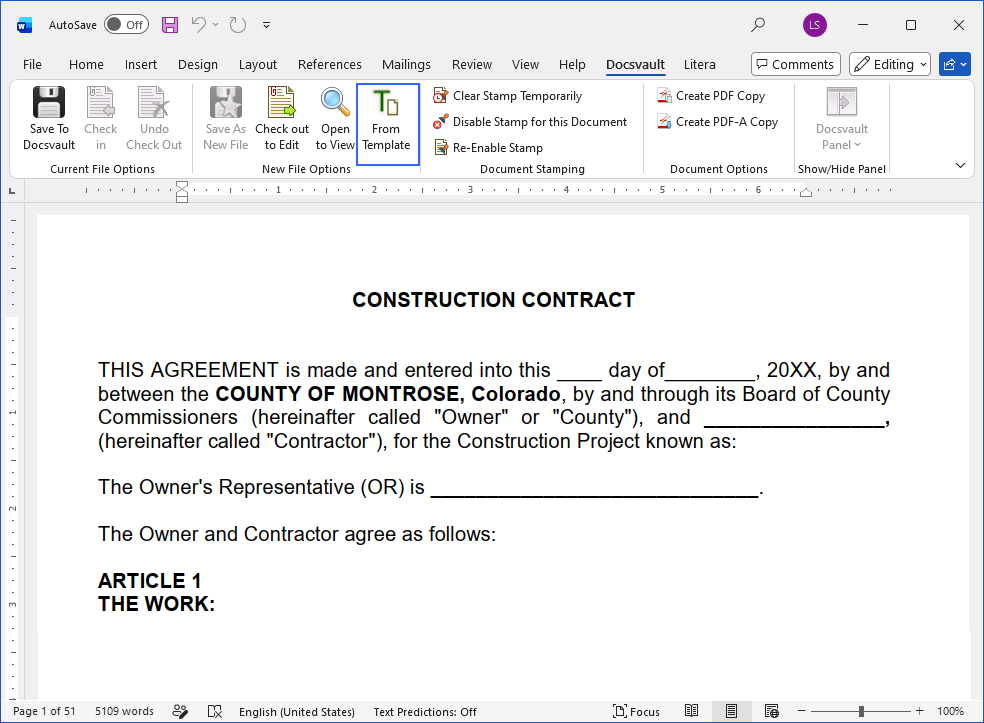 Create a document from a Template in Microsoft Office |
The document is created using the selected Document Template and can be saved to the required Docsvault location.
•Create Document Templates for commonly used documents that follow your organization's standard formats and practices. This helps users start with an approved document format instead of creating frequently used documents from scratch.
|
