View Latest Changes in Checked-Out Documents
Stay up to date while others edit. The Preview window shows who has a document checked out and offers View Latest Changes so you can see their most recently synced edits without waiting for check-in.
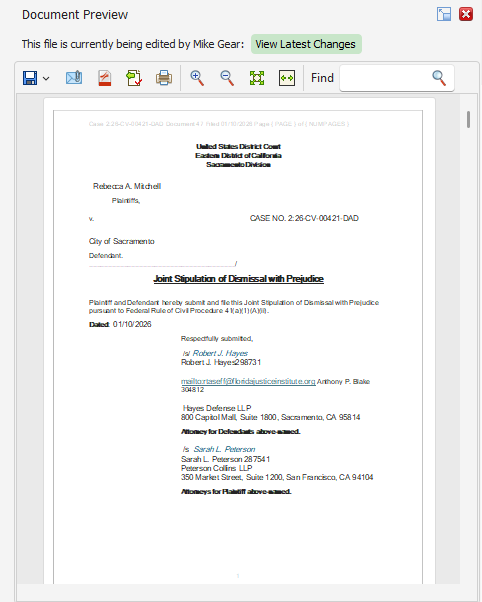
When you preview a document that is currently being edited by another user, Docsvault indicates that at the top of the Preview panel. The panel shows the name of the user who has the document checked out and provides a View Latest Changes option.
Click View Latest Changes to view the latest changes made to the checked-out document.
 Document Previews |